
How To Add Riley & You as Admin/Viewer for Google Analytics
If you don’t have GA4 set up for your website, you’ll find instructions here for utilizing the set-up wizard. If you have any questions, please let us know.
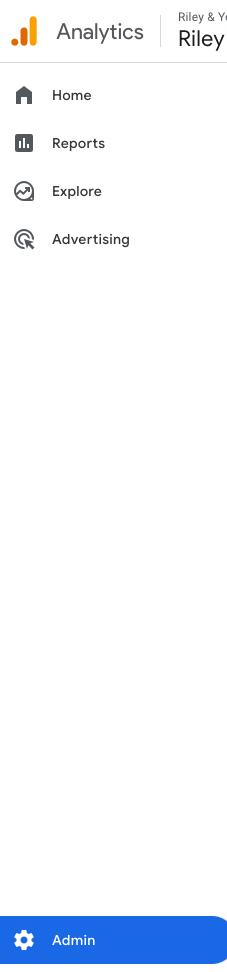
In your Google Analytics 4 account, select ADMIN from the left menu.
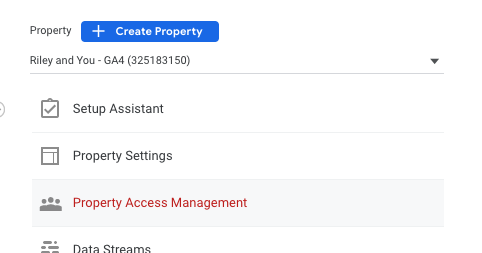
Select Property Access Management under PROPERTY (Make sure if you have multiple properties, that the correct GA4 property is selected from the dropdown).
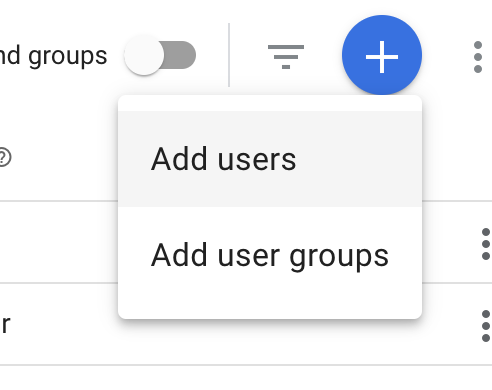
Click the + button (top right).

Select Add users.
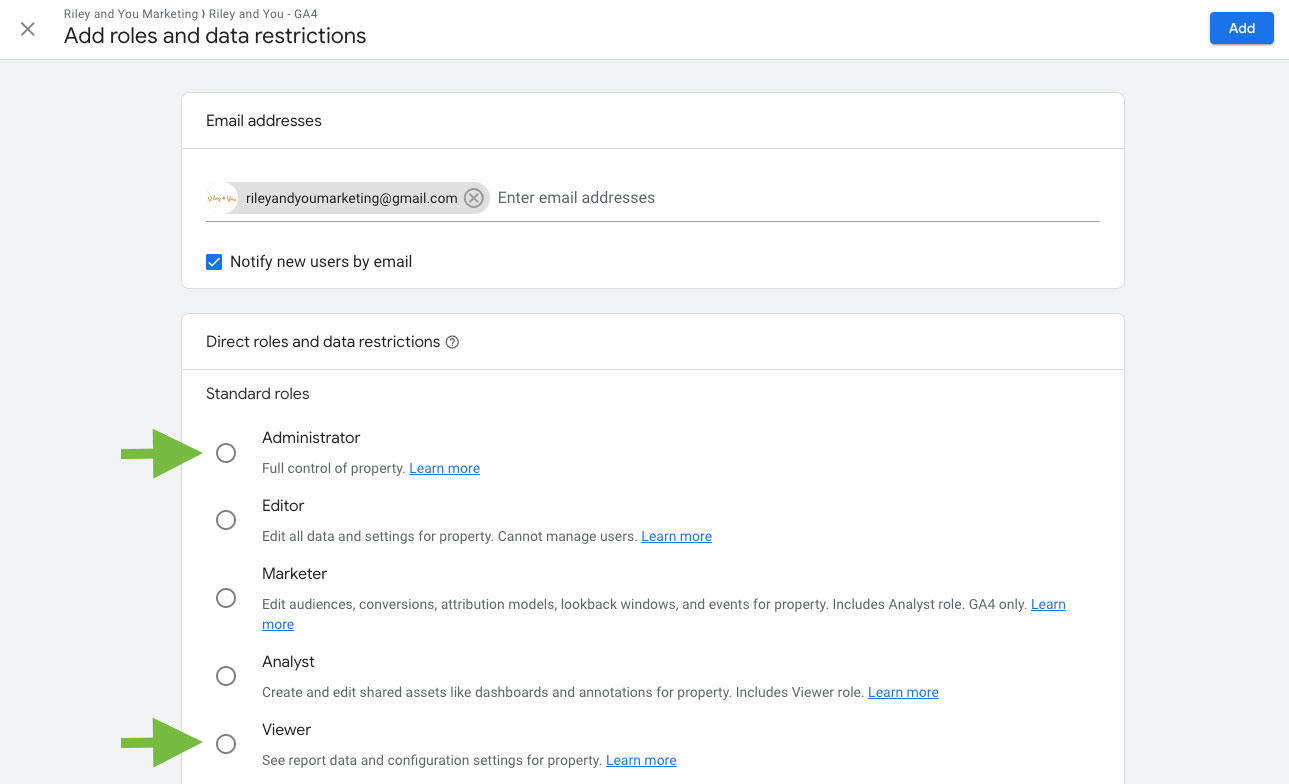
Add rileyandyoumarketing@gmail.com with ADMINISTRATOR or VIEWER access (checked below).
See more How-Tos