
How To Access Your Invoice Archive
Your Riley & You Client Portal includes an Invoice Archive where you can view current or previous invoices. If you have questions about your Invoice Archive, you can use the Chat on this page to contact us.
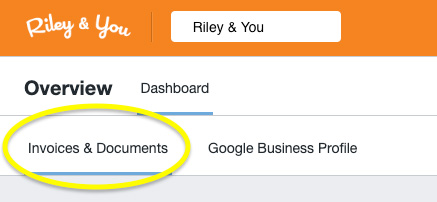
To open your archive, log in to your portal and go to the Invoices & Documents tab of your Dashboard.
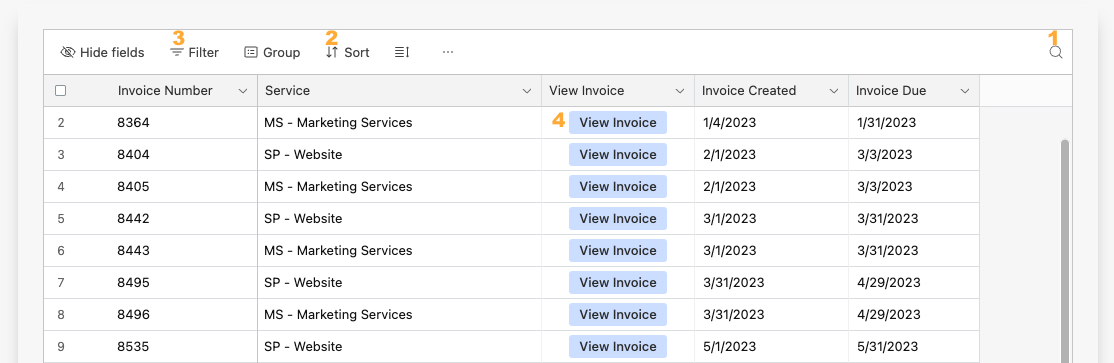
On the Invoices & Documents page, you will see a list of your invoices. You can (1) Search, (2) Sort, (3) Filter, and (4) View.
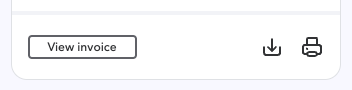
When you click to View Invoice (from the screenshot above), you can see if it has been paid, and if not, pay directly from there. Also from that page you can click to view the full PDF, download, or print (screenshot below).
See more How-Tos