
How To Download Dashboard Report as PDF
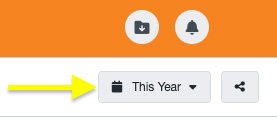
At the top right of the report, use the date picker to choose the date range for your report.
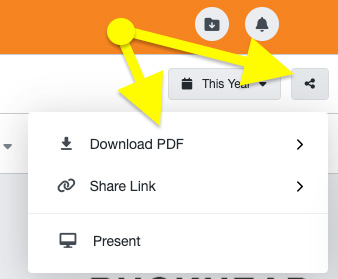
Click the share icon and click Download PDF. You will have the option to just download the current report open, or download all reports across your dashboard.
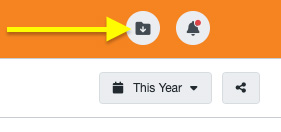
Your report will be generated and added to the downloads folder. Click the folder to download it to your desktop.
See more How-Tos